> ## Documentation Index
> Fetch the complete documentation index at: https://typebot-operators-authentication-type-branch.mintlify.site/llms.txt
> Use this file to discover all available pages before exploring further.
# Embed
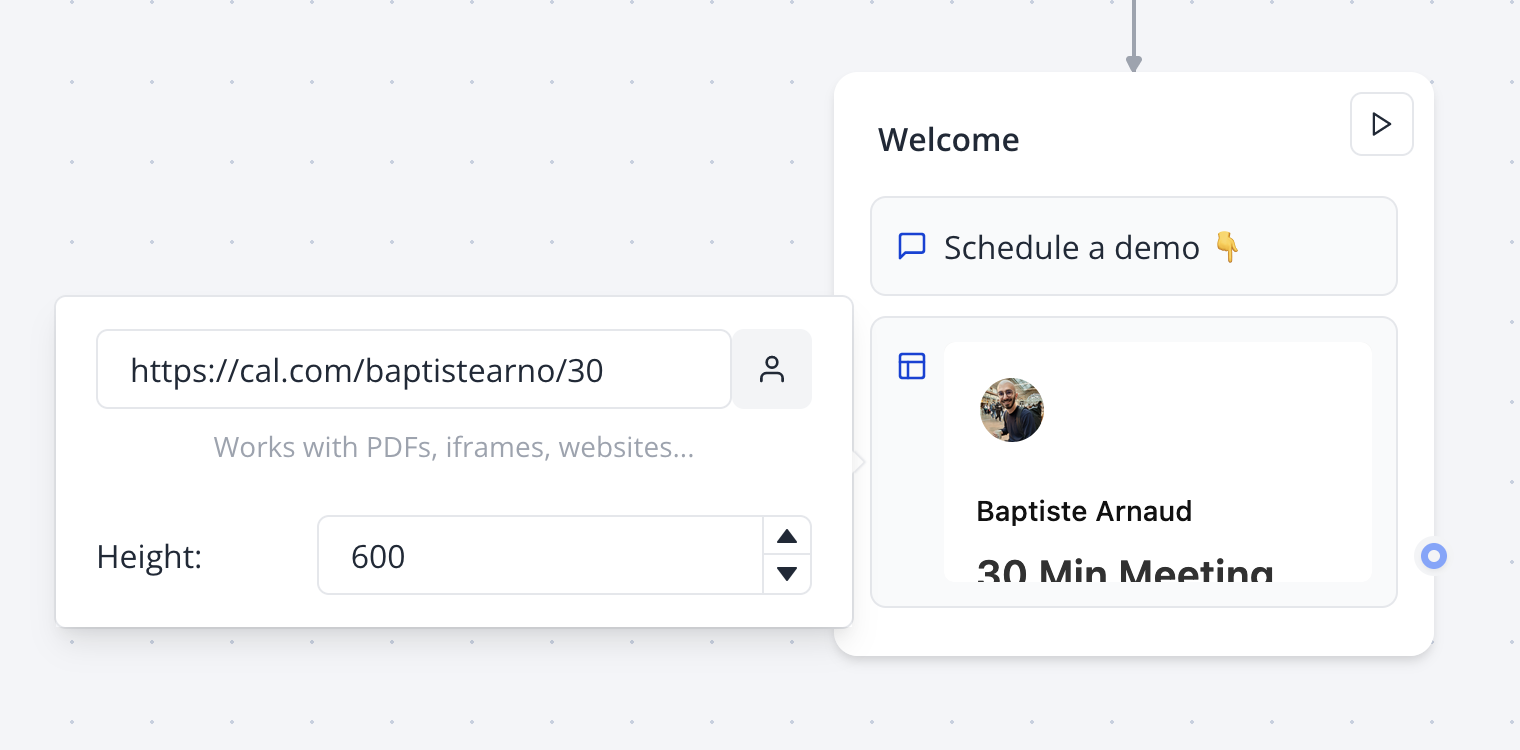
The Embed bubble block allows you to display a website or an iframe to your user. You can paste a video URL from many sources including YouTube, Vimeo, and mp4.
Not all websites allow embedding. If you see a blank space, it means the
website you're trying to embed doesn't allow it.
 ## Embed a PDF hosted on Google Drive
For this, you'll need to select the pdf file you want to embed. Right click > Preview > More actions > Open in a new window. Now click More actions > Embed item.
Copy the embed code and paste it in the Embed bubble block configuration.
## Embed a PDF hosted on Google Drive
For this, you'll need to select the pdf file you want to embed. Right click > Preview > More actions > Open in a new window. Now click More actions > Embed item.
Copy the embed code and paste it in the Embed bubble block configuration.