> ## Documentation Index
> Fetch the complete documentation index at: https://typebot-operators-authentication-type-branch.mintlify.site/llms.txt
> Use this file to discover all available pages before exploring further.
# Text
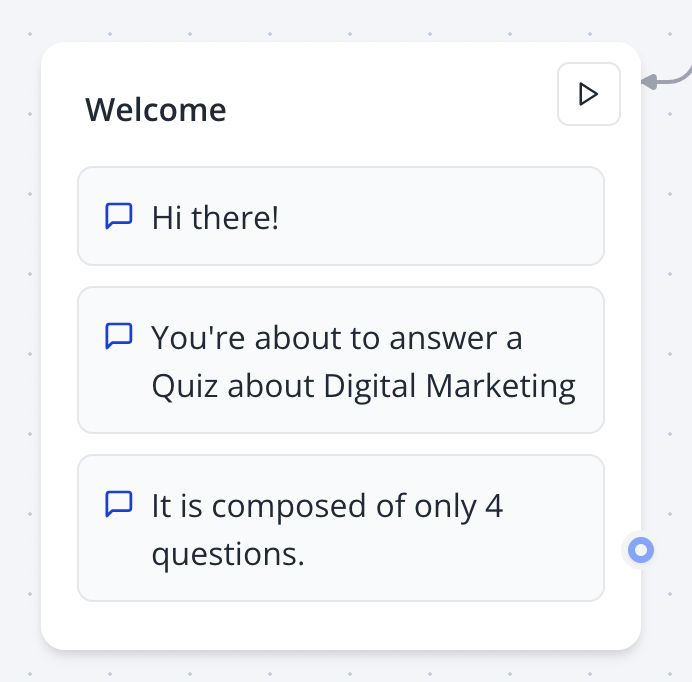
The Text bubble block allows you to display a simple text bubble to your user. They can be chained and it will create a smooth animation:
 ## Insert a link
You can insert a link in your text bubbles using the link icon in the editor:
## Insert a link
You can insert a link in your text bubbles using the link icon in the editor:
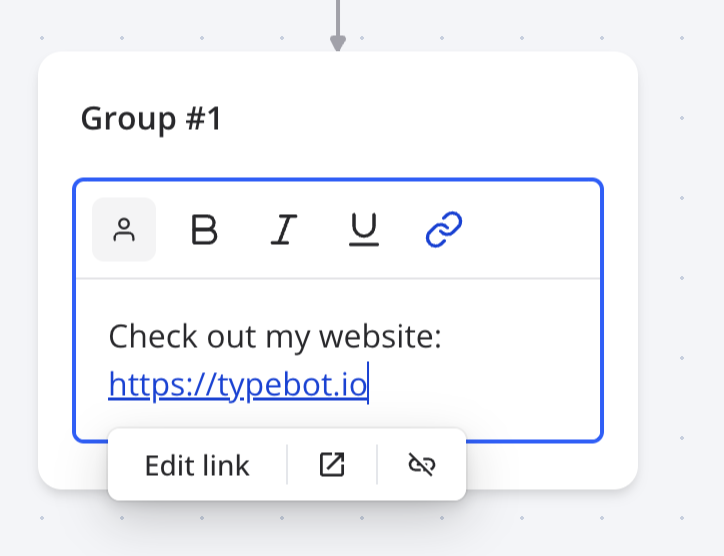 You can insert any links starting with `http:`, `https:`, `mailto:`, `tel:` or `sms:`. It can also be a variable.